 b30cca3906
Bumps [github.com/muesli/termenv](https://github.com/muesli/termenv) from 0.13.0 to 0.14.0.
- [Release notes](https://github.com/muesli/termenv/releases)
- [Commits](https://github.com/muesli/termenv/compare/v0.13.0...v0.14.0)

---
updated-dependencies:
- dependency-name: github.com/muesli/termenv
  dependency-type: direct:production
  update-type: version-update:semver-minor
...

Signed-off-by: dependabot[bot] <support@github.com>
Examples
Alt Screen Toggle
The altscreen-toggle example shows how to transition between the alternative
screen buffer and the normal screen buffer using Bubble Tea.

Chat
The chat examples shows a basic chat application with a multi-line textarea
input.

Composable Views
The composable-views example shows how to compose two bubble models (spinner
and timer) together in a single application and switch between them.

Credit Card Form
The credit-card-form example demonstrates how to build a multi-step form with
textinputs bubbles and validation on the inputs.

Debounce
The debounce example shows how to throttle key presses to avoid overloading
your Bubble Tea application.

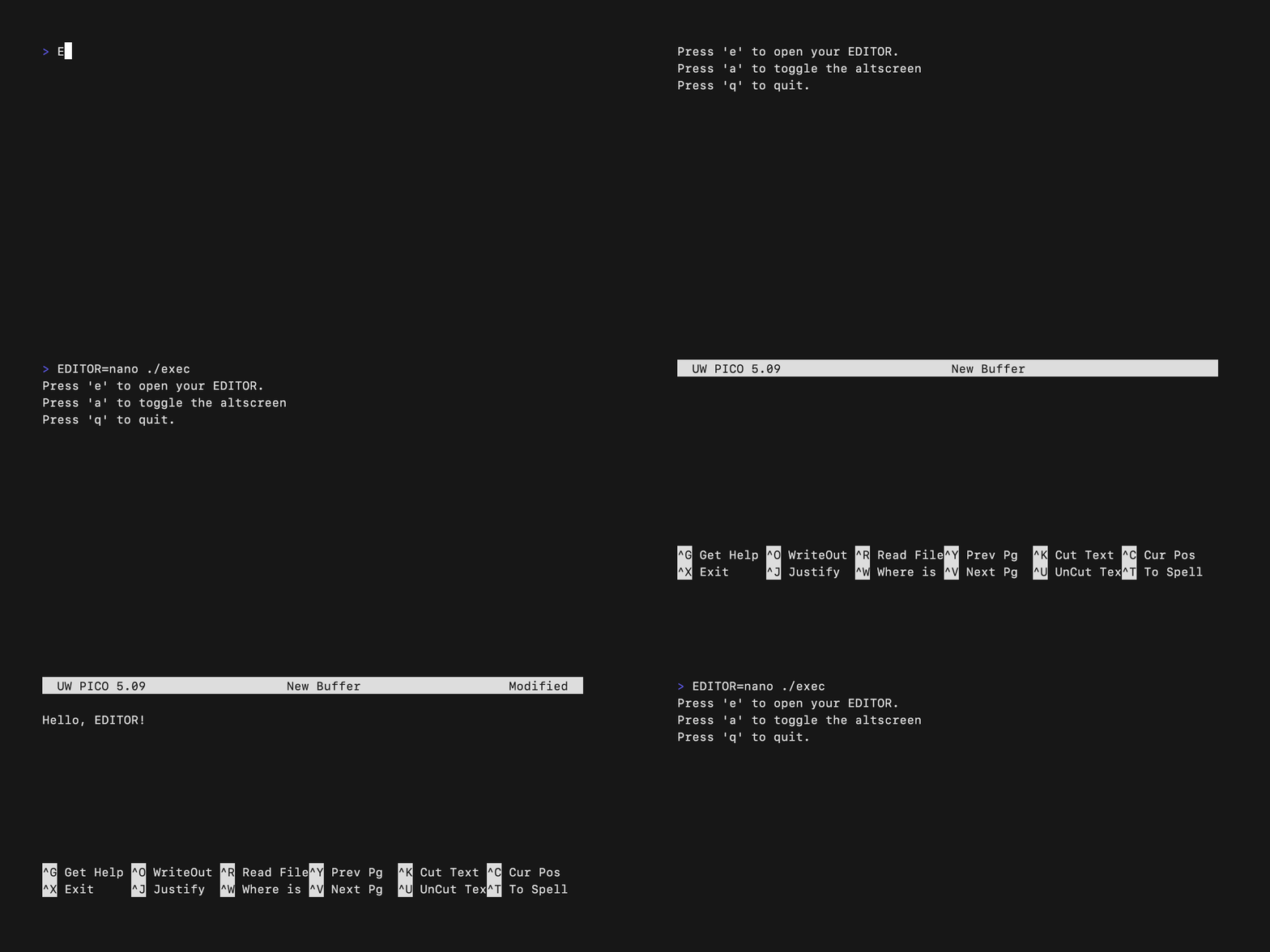
Exec
The exec example shows how to execute a running command during the execution
of a Bubble Tea application such as launching an EDITOR.
Full Screen
The fullscreen example shows how to make a Bubble Tea application fullscreen.

Glamour
The glamour example shows how to use Glamour inside a viewport bubble.

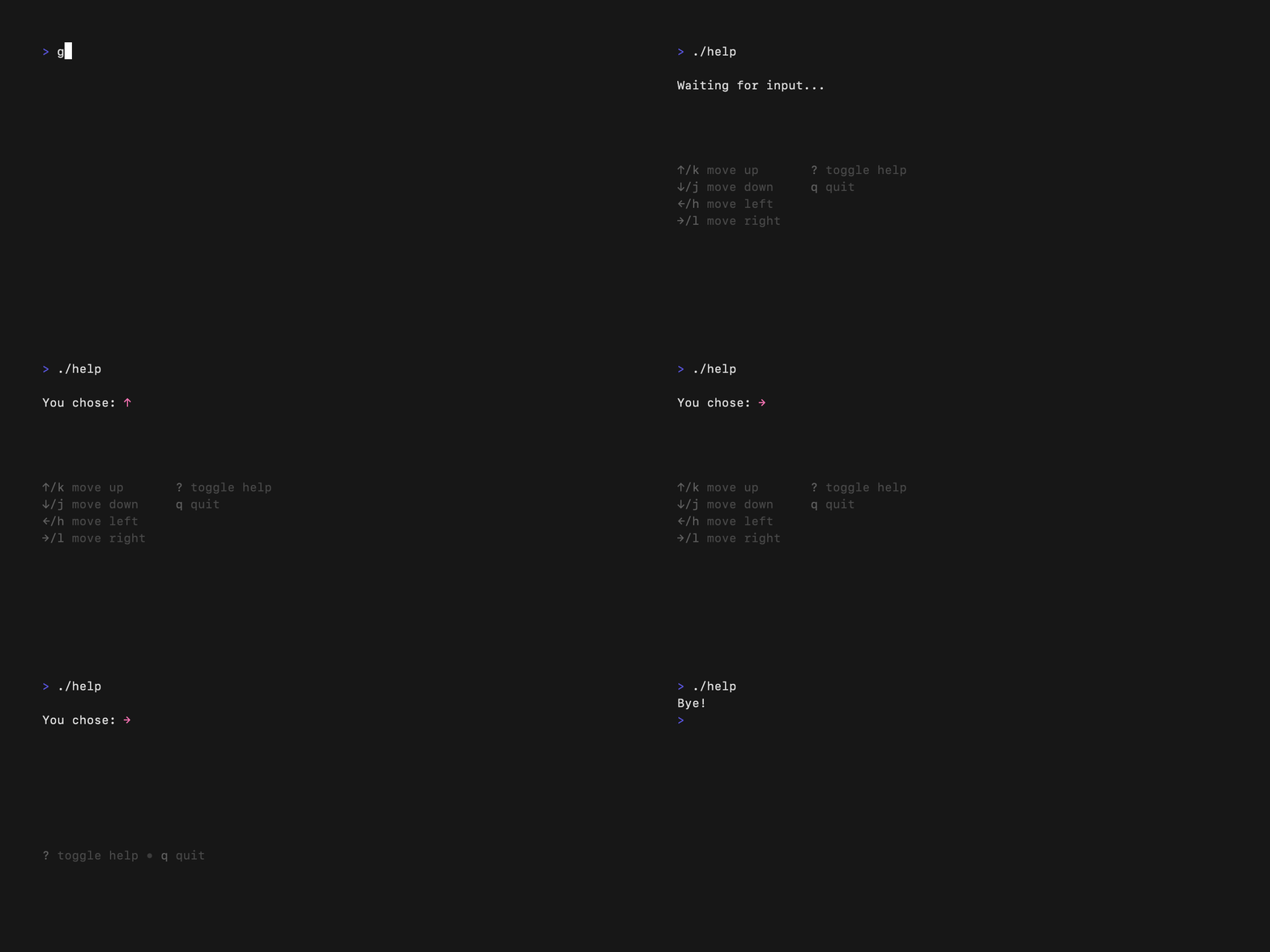
Help
The help example shows how to use the help bubble to display help to the
user of your application.
Http
The http example shows how to make an http call within your Bubble Tea
application.

Default List
The list-default example shows how to use the list bubble.

Fancy List
The list-fancy example shows how to use the list bubble with extra customizations.

Simple List
The list-simple example shows how to use the list and customize it to have a simpler, more compact, appearance.

Mouse
The mouse example shows how to receive mouse events in a Bubble Tea
application.
Package Manager
The package-manager example shows how to build an interface for a package
manager using the tea.Println feature.

Pager
The pager example shows how to build a simple pager application similar to
less.

Paginator
The paginator example shows how to build a simple paginated list.

Pipe
The pipe example demonstrates using shell pipes to communicate with Bubble
Tea applications.

Animated Progress
The progress-animated example shows how to build a progress bar with an
animated progression.

Download Progress
The progress-download example demonstrates how to download a file while
indicating download progress through Bubble Tea.
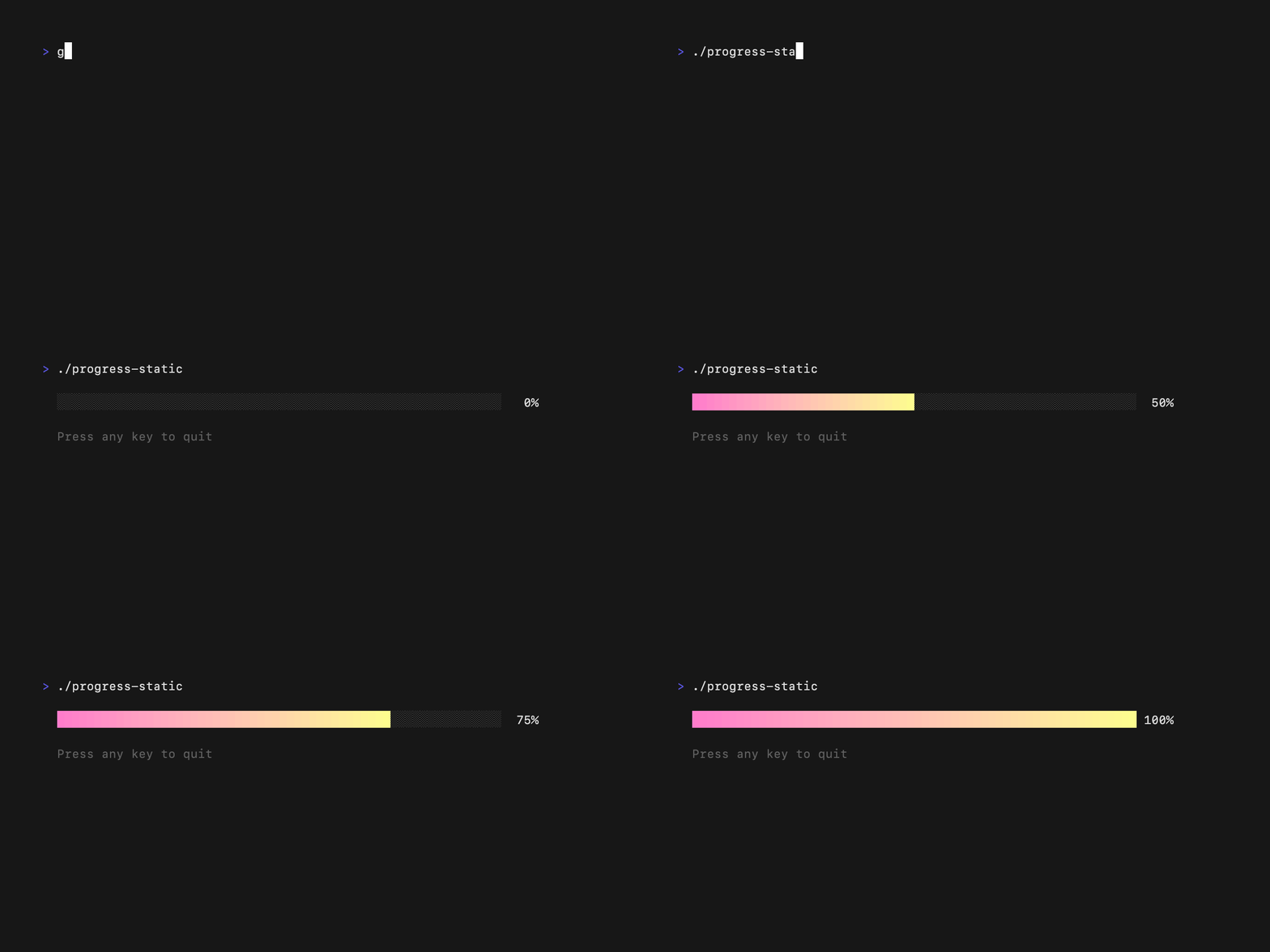
Static Progress
The progress-static example shows a progress bar with static incrementation
of progress.
Real Time
The realtime example demonstrates the use of go channels to perform realtime
communication with a Bubble Tea application.

Result
The result example shows a choice menu with the ability to select an option.

Send Msg
The send-msg example demonstrates the usage of custom tea.Msgs.

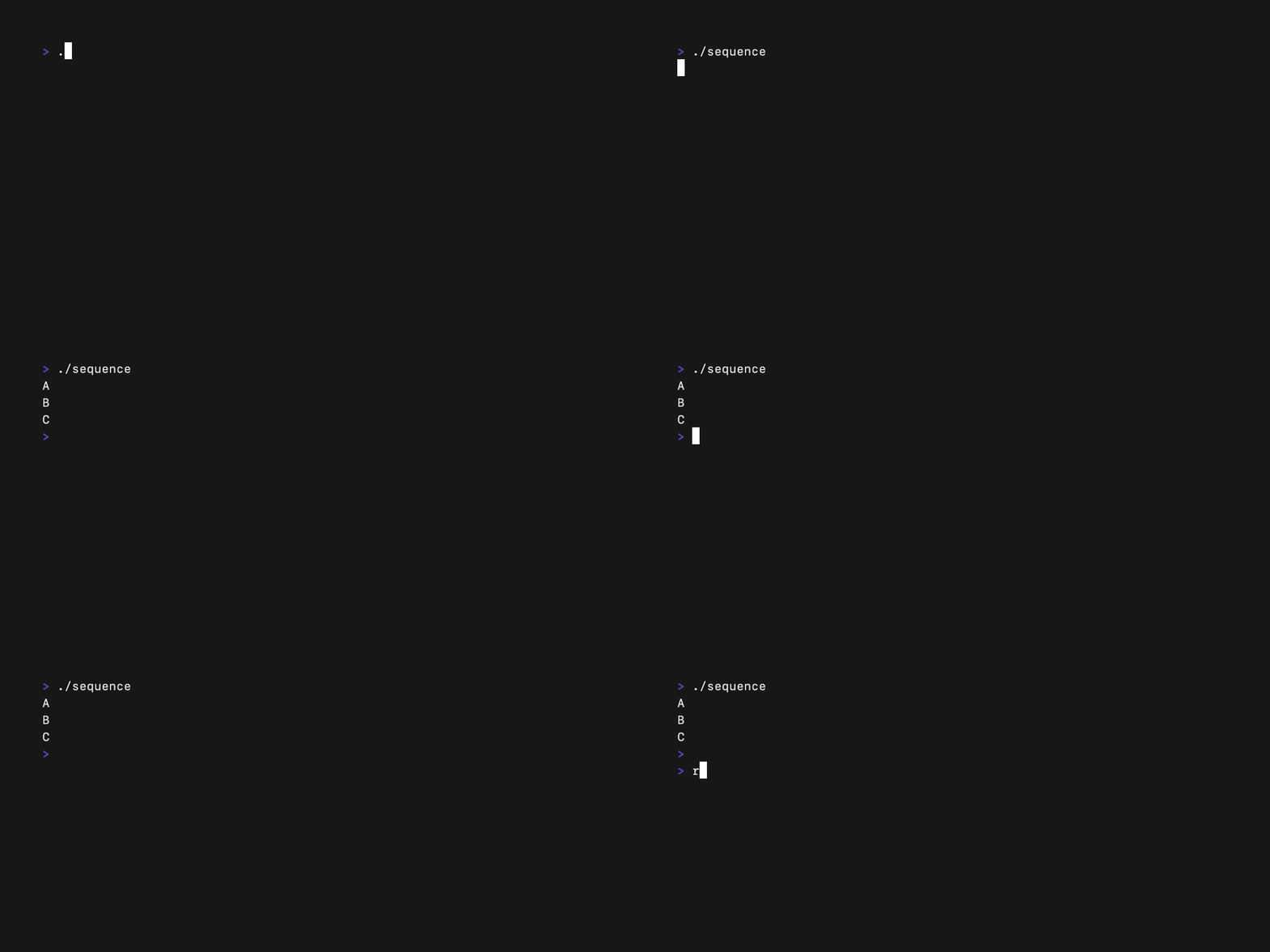
Sequence
The sequence example demonstrates the tea.Sequence command.
Simple
The simple example shows a very simple Bubble Tea application.

Spinner
The spinner example demonstrates a spinner bubble being used to indicate loading.

Spinners
The spinner example shows various spinner types that are available.

Split Editors
The split-editors example shows multiple textareas being used in a single
application and being able to switch focus between them.

Stop Watch
The stopwatch example shows a sample stop watch built with Bubble Tea.

Table
The table example demonstrates the table bubble being used to display tabular
data.

Tabs
The tabs example demonstrates tabbed navigation styled with Lip Gloss.

Text Area
The textarea example demonstrates a simple Bubble Tea application using a
textarea bubble.

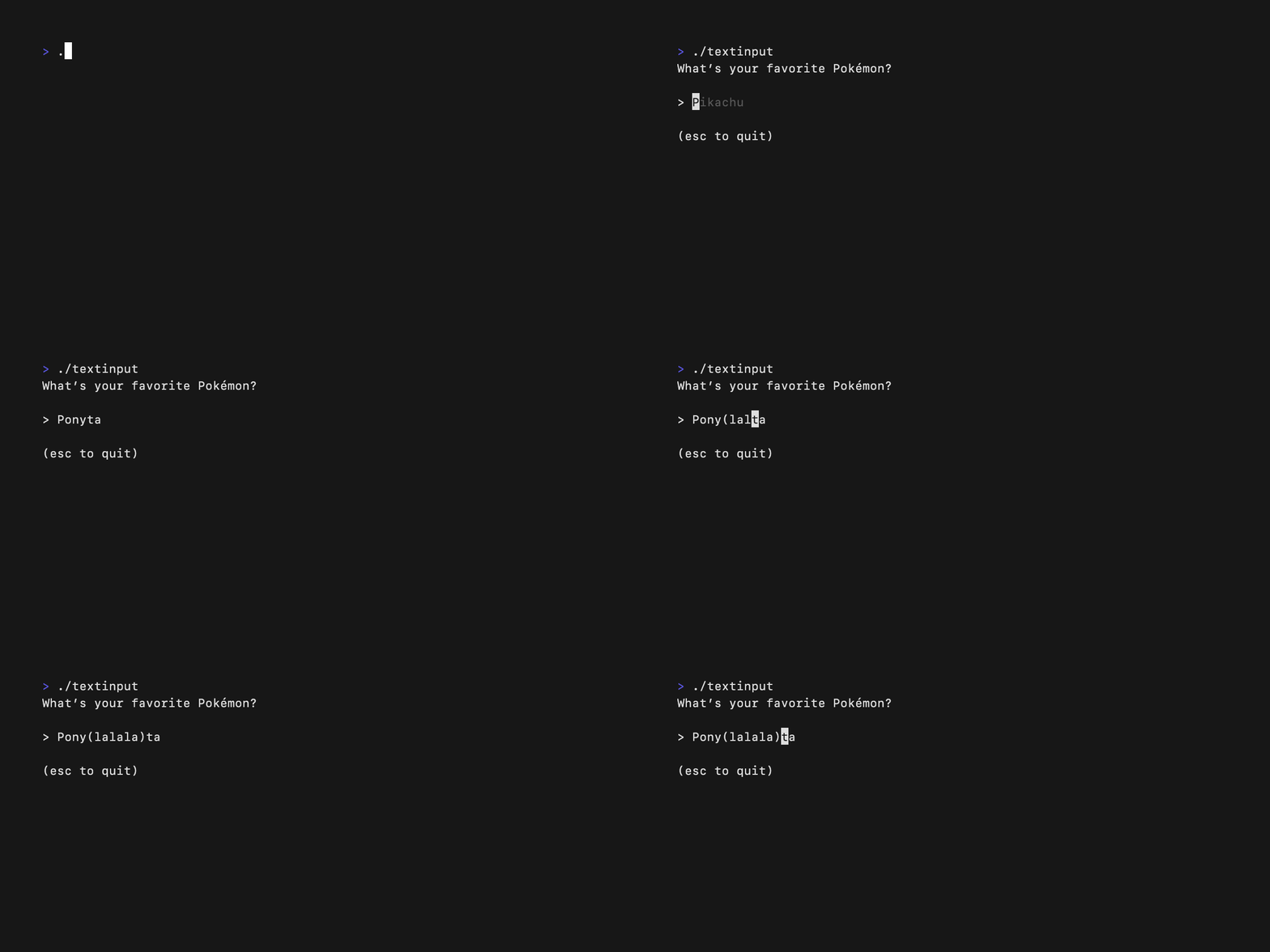
Text Input
The textinput example demonstrates a simple Bubble Tea application using a textinput bubble.
Multiple Text Inputs
The textinputs example shows multiple textinputs and being able to switch
focus between them as well as changing the cursor mode.

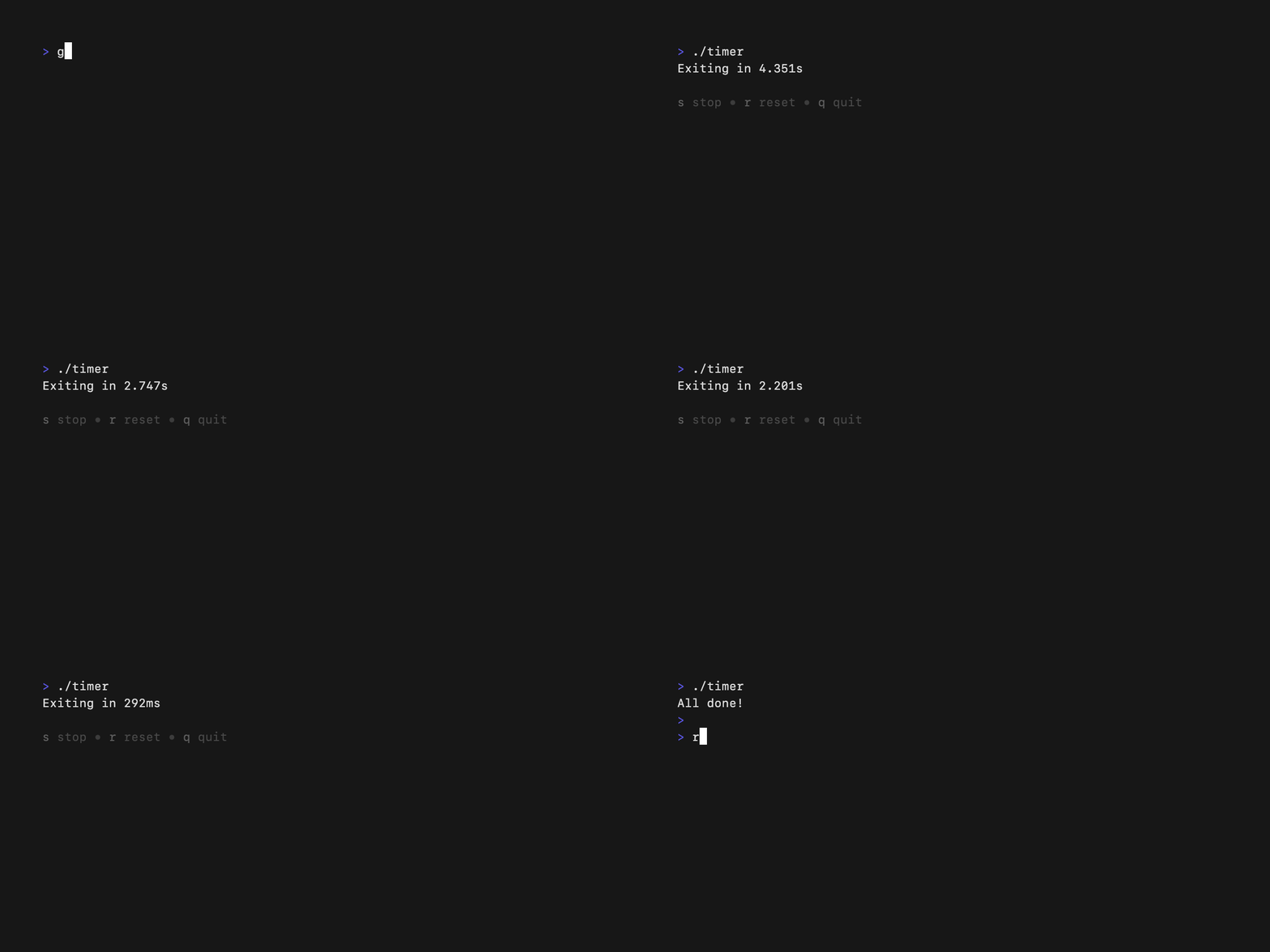
Timer
The timer example shows a simple timer built with Bubble Tea.
TUI Daemon
The tui-daemon-combo demonstrates building a text-user interface along with a
daemon mode using Bubble Tea.

Views
The views example demonstrates how to build a Bubble Tea application with
multiple views and switch between them.
